
 By Thomas Underwood 🕢 Updated on July 9, 2024 at 7:30 am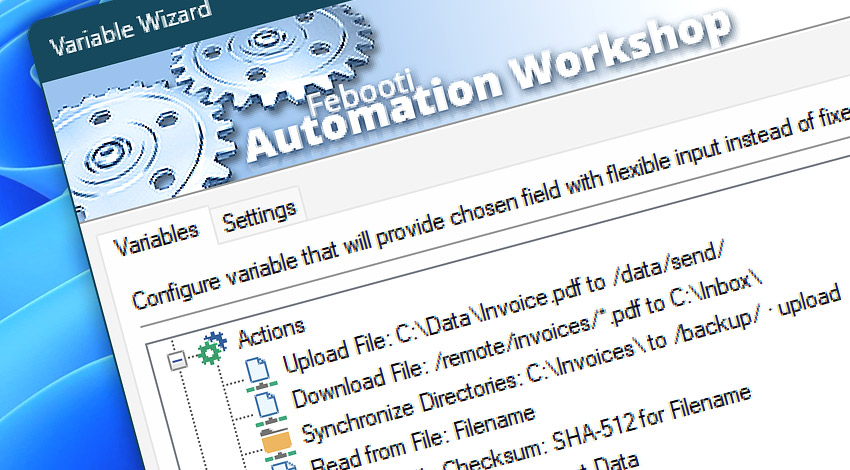
When a Task contains more than one Action, it is possible to pass the data returned by an Action to some subsequent Action. Instead of using fixed values, use Variable Wizard for filling in particular Action parameter field automatically.
Automation Workshop and Variable Wizard provide a wide range of tools to work with files & folders—from local files, and files on local network, to remote files & directories on a remote FTP, SFTP, WebDAV, Amazon S3, Google Cloud Storage, and DigitalOcean Spaces servers.
Triggers
- File & Folder Watcher · Overview
- FTP Watcher · Overview
- SFTP Watcher · Overview
- WebDAV Watcher · Overview
- Amazon S3 Watcher · Overview
- Google Cloud Storage Watcher · Overview
- DigitalOcean Spaces Watcher · Overview
Run
FTP & Cloud
- Upload File · Overview
- Download File · Overview
- Move Remote File · Overview
- Rename Remote File · Overview
- Delete Remote File · Overview
- List Remote Files · Overview
- Remote File Information · Overview
- Synchronize Directories · Overview
- Ensure Remote Directory · Overview
- Create Remote Directory · Overview
- Clear Remote Directory · Overview
- Remove Remote Directory · Overview
File & Folder
- Copy File · Overview
- Move File · Overview
- Rename File · Overview
- Delete File · Overview
- Read from File · Overview
- Write to File · Overview
- List Files · Overview
- Compute File Checksum · Overview
- Get File Information · Overview
- Get File Date & Time · Overview
- Set File Date & Time · Overview
- Set File Attributes · Overview
- Split File Path · Overview
Folder
- Synchronize Folders · Overview
- Ensure Folder · Overview
- Create Folder · Overview
- Duplicate Folder · Overview
- Move Folder · Overview
- Rename Folder · Overview
- Clear Folder · Overview
- Remove Folder · Overview
- Change Current Folder · Overview
Compression
Printing
Multimedia
Dialog boxes
Wait
- Wait for Remote File · Overview
- Wait for Remote Directory · Overview
- Wait for File · Overview
- Wait for Folder · Overview
Registry
Compare
Contents
Assistance is here…
If you have any questions, please do not hesitate to contact our support team.