
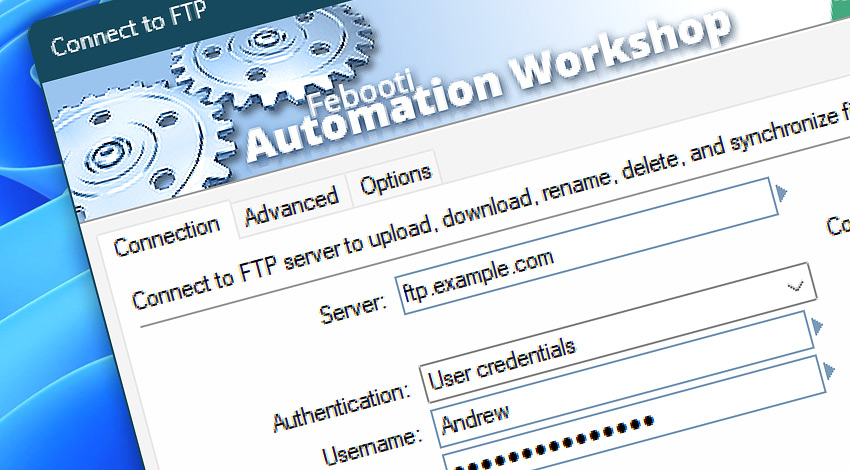
Automation Workshop includes the Connect to FTP Action that establishes a connection between a local machine and a remote FTP server · See FTP automation highlights.
The FTP (File Transfer Protocol) connection is then used to monitor for file or directory changes or to perform Cloud and FTP Actions that can upload, download, synchronize, list, move, rename, delete, or perform other operations with files and folders.
Features & highlights
- Supports the most recent TLS and SSL standards to securely connect to FTP servers and upload, download files, or synchronize directories.
- Make either a passive or active connection to FTP servers.
- Supports Implicit FTP-SSL and Explicit FTPES protocols.
- Supports both unencrypted FTP and encrypted FTPS connections.
- Supports authenticating with both user credentials and client certificates.
- Validates the server based on any fingerprint, CA trusted certificates, or specific certificate fingerprints (SHA-1 and SHA-256).
- FTP Actions support ASCII and Binary transfer modes to seamlessly convert files between Windows and Linux text file encodings.
- Custom connection options (and proxy settings) allow you to fine-tune specific parameters for connecting to an FTP server.
Usage examples
- Connect to a remote Linux or Windows FTP server to manipulate remote files automatically using the built-in Task Scheduler or by using the advanced triggering capabilities of Automation Workshop.
- No coding is required to create an automated task that can auto-detect a new remote file, download it, then print it to the default printer, or send it by email as an attachment.
- Audit a remote FTP or FTPS server file system using the List Remote Files Action and the Remote File Information Action, and email audits daily, weekly, or monthly.
- Other network protocols are also supported to connect to SFTP, WebDAV, or an Amazon S3 bucket, Google Cloud Storage, and DigitalOcean Spaces · See all networking services.
Documentation
- Connection · Set up a secure FTP connection.
- Advanced · Server certificate validation options.
- Options · Name the FTP connection and set up advanced error processing.
Interconnect
- Connect to FTP integration—with Variables (manipulate data dynamically within a workflow) and Events (recorded entries that detail system activity).
- Streamline your automation processes by visually connecting your workflow using Variable Wizard—a powerful tool to access all 1,000+ variables—system, network, Triggers, Actions, globals, web, and much more…
Quick access
To streamline your workflow creation, you can locate the Connect to FTP Action throughout Automation Workshop's search tools—including the knowledge base, menu, and Add Action feature—using quick shortcuts like «CF» or «CTF».
Tutorial
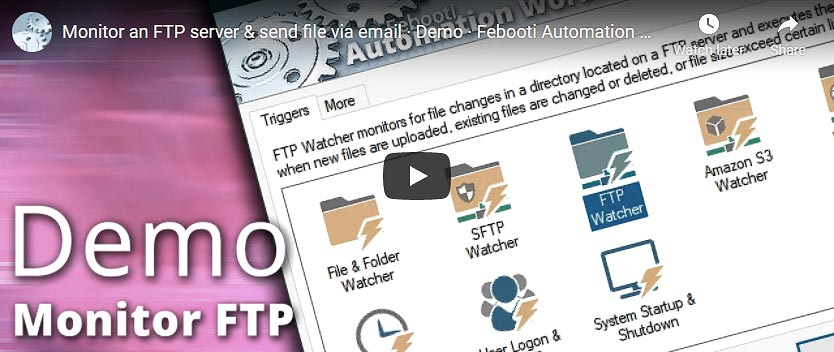
- Connect to FTP · Monitor an FTP server for new and changed files.
Discover
Automation Workshop includes many additional Triggers and numerous Actions to help automate repetitive computer or business tasks using state-of-the-art GUI tools.
Need a helping hand?
If you have any questions, please do not hesitate to contact our support team.