
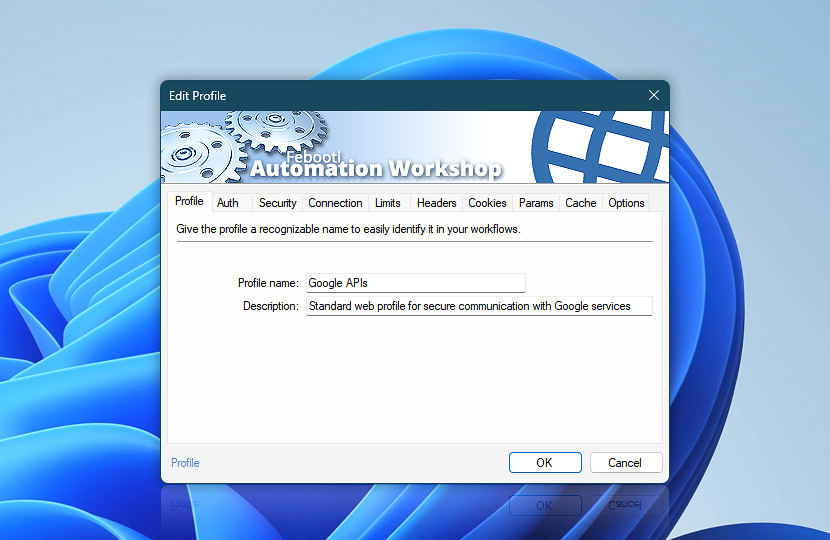
Name and describe this Web Profile to make it easier to identify, organize, and reuse across Internet and Web Actions.
Select the profile in an Internet or Web Action using the Use web internet profile option to apply its settings automatically.
| Profile | Details |
|---|---|
| Profile name | Enter a clear and easily recognizable name that helps quickly identify the purpose of this Web Profile in Internet and Web Actions. |
| Description | Add optional details to describe the profile purpose, service, account, environment, or usage scenario for easier identification later. |
Note
- Profile names can contain most characters, including symbols such as
/,:, and?, as well as emoji such as🙂. The maximum length is 64 characters.
Applies to…
- Get Webpage Content · Overview
- Upload File to Website · Overview
- Download File from Website · Overview
- Save Webpage · Overview
- Submit Web Form · Overview
- Universal Web API Call · Overview
Still have a question?
If you have any questions, please do not hesitate to contact our support team.