
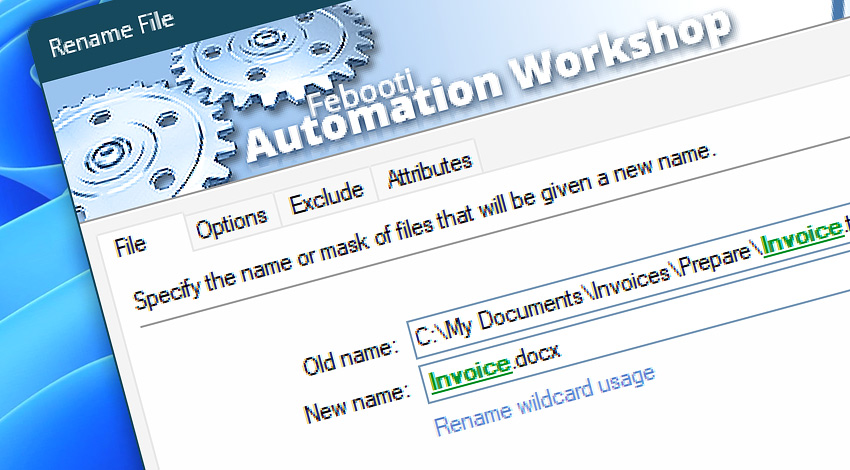
Automation Workshop includes the Rename File Action that performs automated batch and bulk renaming of files. No programming knowledge required to schedule or automate file renaming using Triggers or a Tray Icon that launches the workflow.
It is possible to rename files using a common pattern or file mask. Or filenames can be loaded from a CSV file using the For Each Action. Also, filenames can be generated dynamically using dates, times, or other variables.
Features & highlights
- File renaming can be initiated with a built-in Task Scheduler, or by monitoring files with the File & Folder Watcher.
- Automatically rename files in local or network folders.
- File name, type, attribute, and date filters allow excluding certain files from being renamed.
- Extensive logging and error handling provides a full audit trail.
Usage examples
- Monitor a folder for new files, and as soon as they appear, rename them in a fully unattended manner.
- Rename a file with current date and time in the filename after it has been downloaded from a remote FTP or Cloud server.
- Insert date, time, or other dynamic Variable Wizard values into filename or extension.
- Change file extensions for files that have been processed by other Actions.
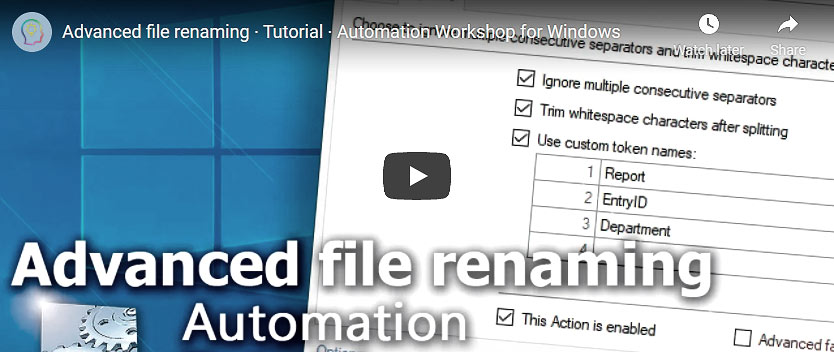
- Batch rename multiple files in a folder.
- Rename only a part of the file name by using powerful text manipulation Actions.
Documentation
- File · Use file name or mask to specify files to be renamed.
- Options · Select whether renaming should be performed only in the selected folder or also in its subfolders. Configure file overwrite options.
- Exclude · Use file name, mask, or timestamp to exclude files from renaming.
- Attributes · Define NTFS, FAT32, or exFAT attributes to include or exclude files.
Interconnect
- Dynamic variables & Events of the Rename File.
- Variable Wizard and dynamic values of all the File & Folder Actions for local and network drives, and remote FTP, SFTP, WebDAV, Amazon S3, Google Cloud Storage, and DigitalOcean Spaces servers.
- Files on the remote servers can be renamed using the Rename Remote File Action.
- Streamline automation processes by connecting Triggers and Actions using Variable Wizard.
Discover
Automation Workshop includes many more awesome Triggers and numerous Actions to aid you to automate any repetitive computer or business task by providing state-of-the-art GUI tools.
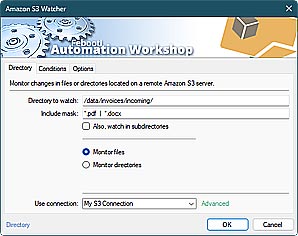
Amazon S3 Watcher
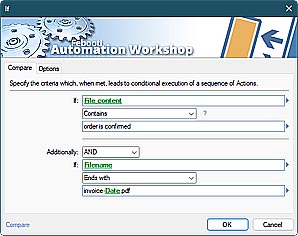
Compare
Help at your fingertips…
If you have any questions, please do not hesitate to contact our support team.