
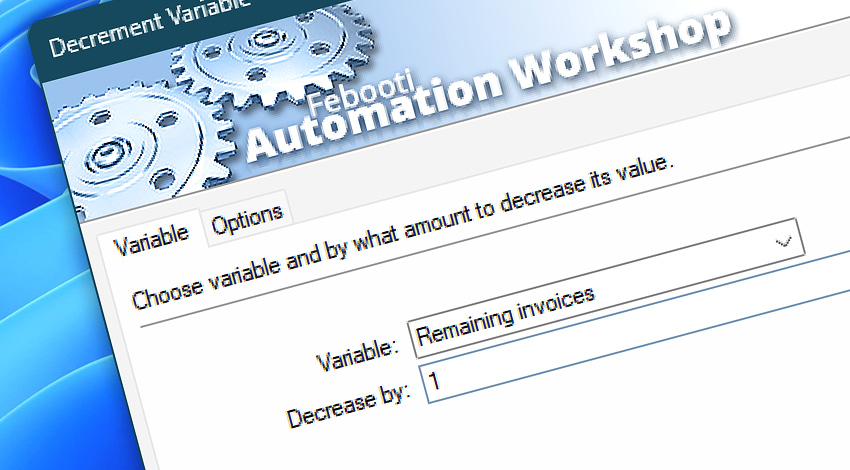
A low-code development platform, Automation Workshop, features the Decrement Variable Action, which allows subtracting a specified amount from a variable. The decremented variable is then available for use as a parameter for any subsequent Action within the Task.
Features & highlights
- Supports very large positive and negative numbers.
- Supports numeric variables with many fractional digits.
- Automatically recognizes the numeric value if the variable starts with a number.
- Decrement Task variables—both local and global—by subtracting any numeric value, including integers (e.g.,
1,10) or fractional numbers (e.g.,3.5,42.75). - Adds to the numeric variable when decrementing it by a negative value.
Documentation
- Variable · Provide the name of the variable to be decremented.
- Options · Choose between local and global variable groups.
Interconnect
- Decrement Variable integration—with Variables (manipulate data dynamically within a workflow) and Events (recorded entries that detail system activity).
- Streamline your automation processes by visually connecting your workflow using Variable Wizard—a powerful tool to access all 1,000+ variables—system, network, Triggers, Actions, globals, web, and much more…
- Similar Set Variable, Increment Variable, and Arithmetic Actions.
Quick access
To streamline your workflow creation, you can locate the Decrement Variable Action throughout Automation Workshop's search tools—including the knowledge base, menu, and Add Action feature—using the quick «DV» shortcut.
Tutorial
- Set Variable · Watch for generated DB report files, and apply smart rename.
Discover
Automation Workshop includes many additional Triggers and numerous Actions to help automate repetitive computer or business tasks using state-of-the-art GUI tools.
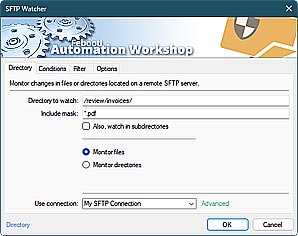
SFTP Watcher
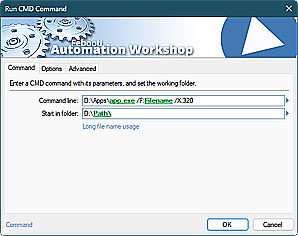
Run CMD command
Have a question?
If you have any questions, please do not hesitate to contact our support team.