
 By Thomas Underwood 🕥 Updated on June 17, 2021 at 10:30 am
Suppose that at the end of every day a report file is put into a folder C:\Reports\ where other relevant files are kept. How to send an email when a file is added?
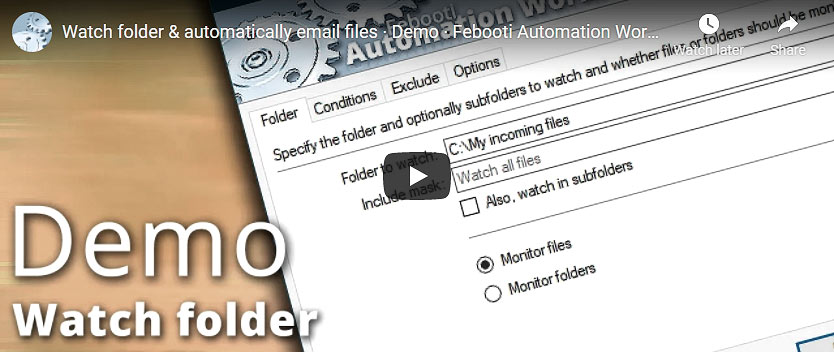
The video demonstrates usage of the Automation Workshop app. It features a Folder Watcher that is monitoring a folder for new files. Topics of the video:
- How easy it is to add a file monitor trigger.
- Various file events · new, existing, deleted.
- Composing automated email messages.
Overview
For example, we have a folder where various types of files are being created. But we are interested in 3 types of Microsoft Word documents:
- The newest format *.docx extension.
- Documents with macros *.docm extension.
- Documents created with older versions of Word *.doc extension.
The file names are consistent and contain 4 digits—a month and a day of the month. For example, the name report-1217.docx where the month is specified by the first two digits, while the other two indicate the day (December 17 as in the example).
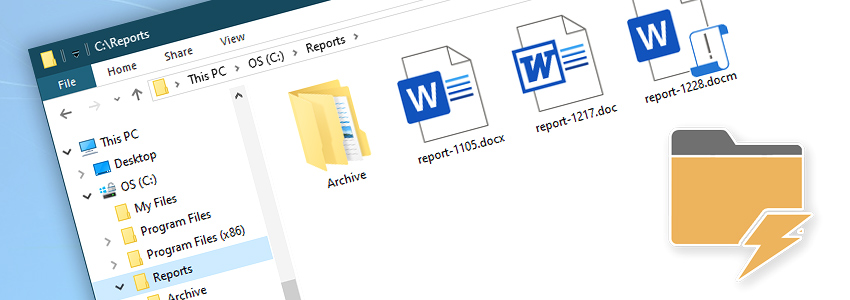
How to monitor a folder for new files and send email? We will need an automated task that contains the File & Folder Watcher Trigger and the Send Email Action. Let's begin with configuration of the trigger. Set the following values:
- Watch for files in the
C:\Reports\folder - Monitor the folder for files matching
report-????.doc* - match the word
report- - followed by
????(month and day) - followed by
.doc - followed by
*(anything) - Go to the Conditions tab and select Watch for new files.
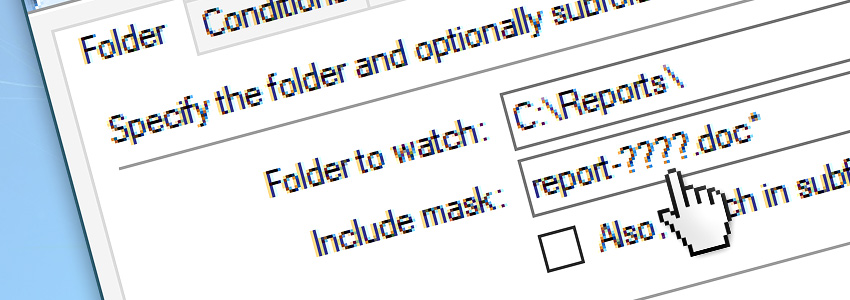
In the example above we are monitoring the C:\Reports\ folder. To monitor a shared folder on the network, use the \\server.domain\ syntax.
Add a Send Email Action, and fill in the From, To, Subject and Message fields. If you only want an email notification, then skip the next step.
To attach exactly the same file that triggered our task, click the Variable Wizard button next to the Attachment field, and configure it to get the attachment file name from the trigger:
- open Variable Wizard;
- select Triggers;
- select File & Folder Watcher;
- choose Full path and filename.
This will populate the attachment field with a new filename every time the task is launched.
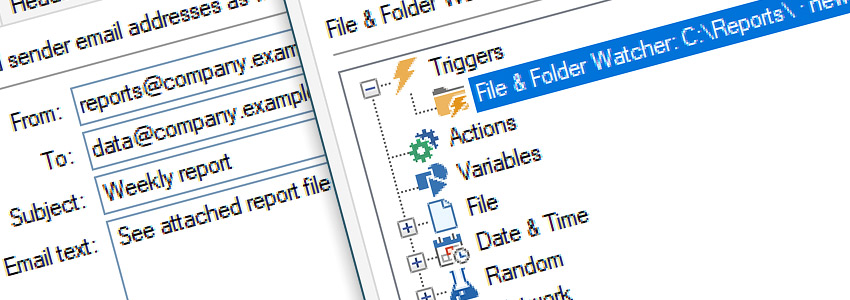
The final step is an SMTP configuration. Open the Server tab of the Send Email Action to configure the email server for this particular task. Or go to Tools · Options · Email, to configure the SMTP settings for all tasks.
Summary
We have just created an automated app, that handles tasks that are too boring and mundane for human workers to perform. Our task is sending a mail message when a file is added to the specific folder.
The trigger we have created is monitoring a particular folder on the disk. It looks for new files, but it triggers a task only on a specific file mask or wildcard. The task is launched only when a filename matches the report-????.doc* pattern.
The mask reads: any file that starts with report- followed by any four characters, and an extension starting with .doc, and followed by anything.
The Send Email Action attaches a report file to the email and automatically sends it to the specified address, using a customized email template.
Live log, and log files
Automation Workshop has built-in logging capabilities. To view a live log, just keep the main app window open. New log entries are automatically displayed there. There are no additional actions or configuration necessary.
To view the audit and error logs, open the Log Manager. It collects logs from all tasks and actions considering the Log rotation settings, and the log settings of each individual task.
Alternatives
One popular alternative to the no-code automation apps is PowerShell scripts. We have provided and analyzed a PowerShell script to send email with attachment on our blog. Besides the fact that the PowerShell does not allow you to send email when a file is added to the folder (this functionality requires extensive coding or external apps), here are some points that PowerShell scripts are lacking:
- They require knowledge of programming;
- They are not always secure;
- There are no built-in logging capabilities.
Automation Workshop solves all these shortcomings with an easy-to-use user interface and a proven technology that just works. It does not require additional software. It uses very low system resources, and our customers, once they try it, are never looking for alternatives. Download Automation Workshop now, it takes only a minute!
Assistance is here…
If you have any questions, please do not hesitate to contact our support team.