

This Error Event is part of Automation Workshop Service Events.
Event ID · 2553
Overview
The error indicates that an Variable Wizard failed to assign Variable (Local or Global).
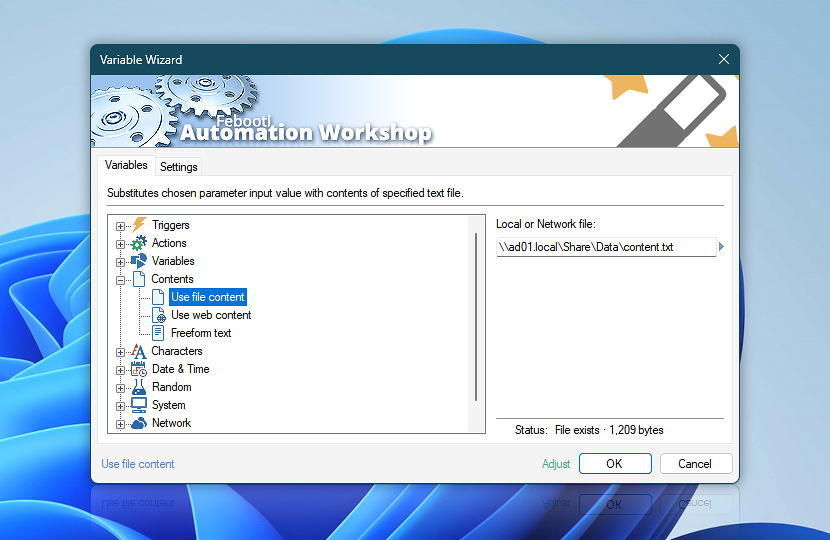
Presumably, the error indicates that the Variable Wizard failed to Use file content or Use web content in order to use specified content as Variable input parameter. It is shown when some Action is configured to substitute some of its settings with content of specified file (local or network, or webpage).
Make sure that all files (including Variables folder) are extracted from the archive when restoring Automation Workshop Tasks and settings from a Backup.
Event examples
See some examples of the Failed to assign variable Event messages:
- Variable Wizard error: The system cannot find the path specified. [os:3]. Failed to assign variable. [os:E103]
- Global Variable "SFTP password" not found. The system cannot find the file specified. [os:2]. Failed to assign variable.
- Variable Wizard error: Failed to assign variable due to Invalid URI: The hostname could not be parsed. [aw:60]
- Failed to assign variable due to The remote name could not be resolved: "lan.example.local".
- Failed to assign variable due to Unable to connect to the remote server.
- Failed to assign variable due to The underlying connection was closed: Could not establish trust relationship for the SSL/TLS secure channel.
- Failed to assign variable due to Object reference not set to an instance of an object.
- Failed to assign variable due to 400 Bad Request.
- Failed to assign variable due to 401 Unauthorized.
- Failed to assign variable due to 404 Not Found.
- Failed to assign variable due to 451 Unavailable For Legal Reasons.
- Failed to assign variable due to 500 Internal Server Error.
- Failed to assign variable due to 501 Not Implemented.
Solution
Use file content—verify if the specified file exists and the user account that executes Automation Workshop has necessary privileges to read files in the specified folder.
Use web content—check that the URL is not misspelled, that it points to a valid web resource, file, or webpage.
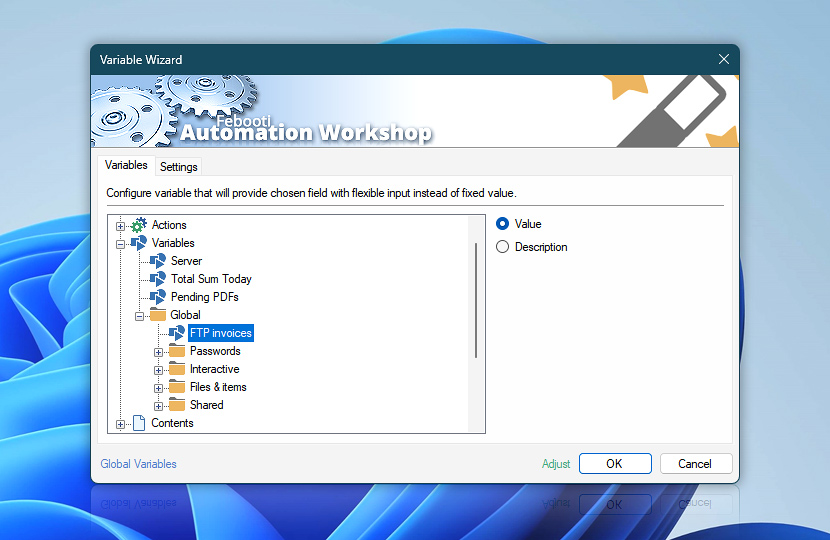
Global Variable—all global variables are stored in the filesystem, usually under the ProgramData folder. Make sure that the folder is accessible, that permissions are correct. Also when restoring Automation Workshop from a backup or transferring Tasks and other files from another machine, make sure that all files are copied.
Still have a question?
If you have any questions, please do not hesitate to contact our support team.