
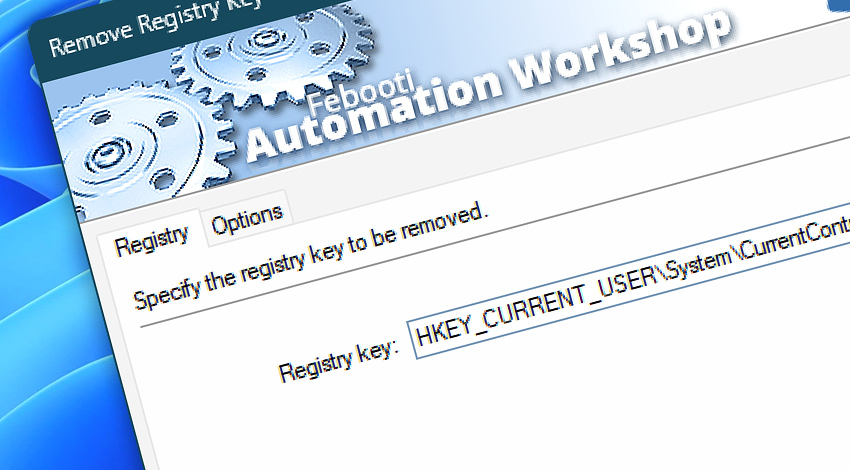
Automation Workshop includes the Remove Registry Key Action that automatically deletes the specified Registry key along with all its subkeys and values.
This Action, combined with other Registry Actions, provides a comprehensive toolkit for automatic Registry manipulation. The built-in Registry browser allows you to manipulate the Windows Registry in a fully automated way, no coding or scripting skills are required.
Documentation
- Registry · Specify the system Registry key to be deleted along with its subkeys and values.
- Options · Set the Action state and custom display name, define automated error workarounds, and enable an option to log only critical errors.
Interconnect
- Remove Registry Key integration—with Variables (manipulate data dynamically within a workflow) and Events (recorded entries that detail system activity).
- Streamline your automation processes by visually connecting your workflow using Variable Wizard—a powerful tool to access all 1,000+ variables—system, network, Triggers, Actions, globals, web, and much more…
Quick access
To streamline your workflow creation, you can locate the Remove Registry Key Action throughout Automation Workshop's search tools—including the knowledge base, menu, and Add Action feature—using quick shortcuts like «RK» or «RRK».
Discover
Automation Workshop includes many additional Triggers and numerous Actions to help automate repetitive computer or business tasks using state-of-the-art GUI tools.
Just ask…
If you have any questions, please do not hesitate to contact our support team.