
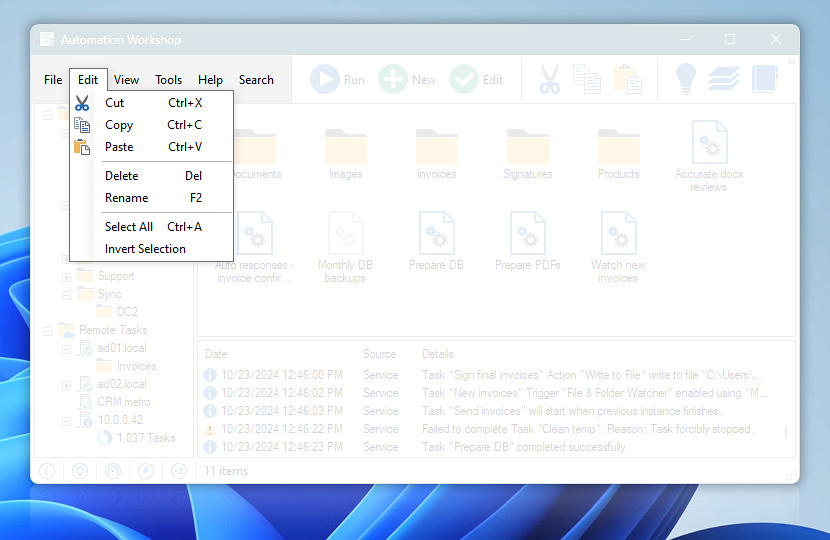
Edit menu features standard commands (e.g., cut, copy, paste, delete, rename) for operating with Task files and folders in Automation Workshop Manager.
| Edit menu | Details |
|---|---|
| Cut | Places selected Task file into clipboard. When the clipboard content is successfully retrieved, original item is deleted. |
| Copy | Copies selected Task file into clipboard. |
| Paste | Retrieves Task file from clipboard in opened Task folder. |
| Delete | Deletes selected Task or task folder · Delete API Use the Remote Manager to add multiple servers to Automation Workshop. Then use Delete Task from multiple server instances at once. |
| Rename | Provides option to give existing Task or task folder a new name. |
| Select All | Selects all Tasks and task folders in current folder. |
| Invert Selection | Clears selection of all selected items and selects all previously unselected items. |
Still have a question?
If you have any questions, please do not hesitate to contact our support team.