
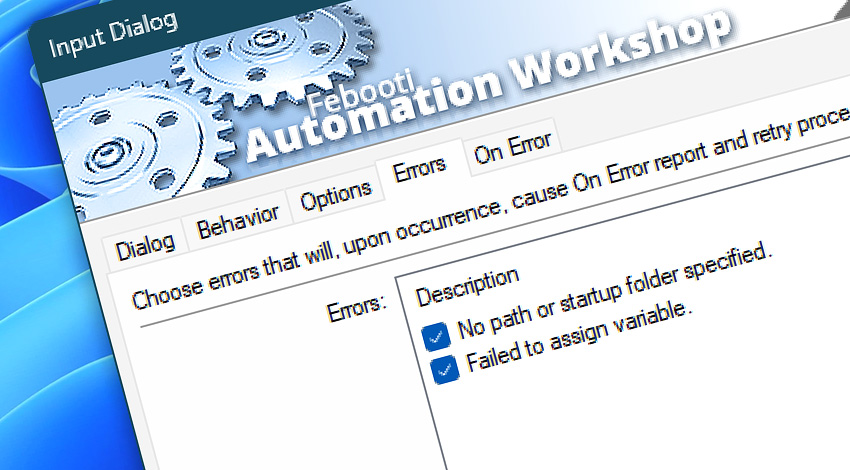
All Events · The Input Dialog Action generates Events to report on its activity—organized into informational, warning, and error categories. In real automation scenarios, each message provides additional context to help you identify issues and their causes, streamline troubleshooting, and confirm successful Action operations.
Input Dialog
Automation Workshop includes the Input Dialog Action that opens a custom titled message window that uses predetermined or automatically generated text to require user to input some data. The data entered in input dialog window is stored in Variable Wizard value and can be used in subsequent Actions as their parameters.
Info
91000· Input Dialog completed. The Button pressed by user.
Errors
Discover
Automation Workshop includes many additional Triggers and numerous Actions to help automate repetitive computer or business tasks using state-of-the-art GUI tools.
Need help?
If you have any questions, please do not hesitate to contact our support team.