
Hash & CRC is a freeware cryptographic hash value calculator that allows computing MD5, SHA-1, CRC32 and other popular hash checksums of files.
Overview
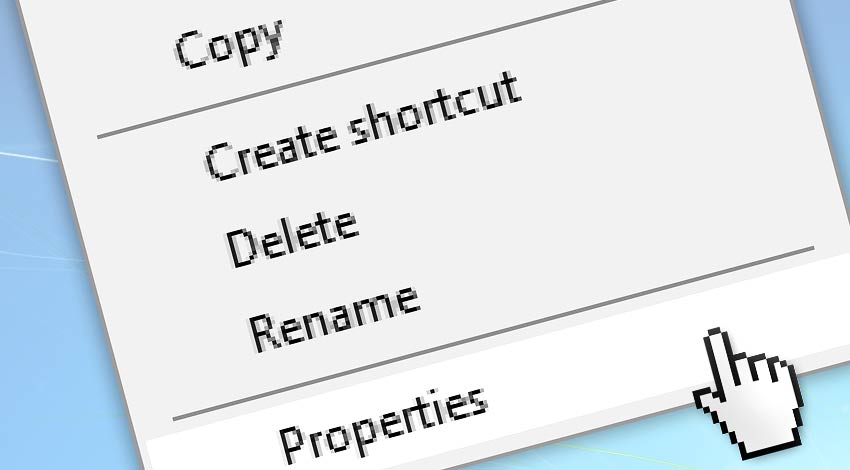
To calculate file hash checksum values, click the right mouse button on any file in any window, and choose Properties option. Activate the hash tab. That's it!
Checksums will be automatically calculated for files up to 20MB CRC32, MD5 and SHA-1 by default. The default layout and active hashes can be saved by clicking the OK button.
After necessary checksums are generated, it is possible to copy them to the clipboard by clicking the Copy button.
Detailed help…
| Item | Description |
|---|---|
| Icon | Shows the icon for the selected file. |
| Name | Displays the name of the file. |
| Location | Shows where the file is located. |
| Checkboxes | Specifies the cryptographic hash values to be calculated. By default, CRC32 and MD5 and SHA-1 hashes are enabled. Click on Show more button to show all other hashes. |
| Hash values | Displays computed hash value for each selected hash function. Additionally, hash value is highlighted, if corresponding matches are found in hash file or clipboard:
|
| MB/s | Shows average hashing speed (KB/s, MB/s or GB/s). Due to disk media latency, for very small files (below a few megabytes), speed may be significantly lower than it would be for larger files. View hash benchmark. |
| View file | Displays the name of the file and allows you to select another file. For a single file, this option is always disabled. |
| Compute | Calculates selected cryptographic hash values. |
| Copy | It opens a menu that allows copying any or all calculated checksum to the clipboard. |
| More | Provides more hash options:
|
| OK | Closes the Hash & CRC, and saves layout and options. |
| Cancel | Closes, without saving any layout and option. |
Automate hashing?
Need to automatically compute checksums? As soon as a file is copied or moved? From SFTP or on a scheduled basis? Unicode file names, and a file path up to 32K? We got you covered!
See the solution on how to automatically compute file checksums and retrieve results.
Still have a question?
If you have any questions, please do not hesitate to contact our support team.