
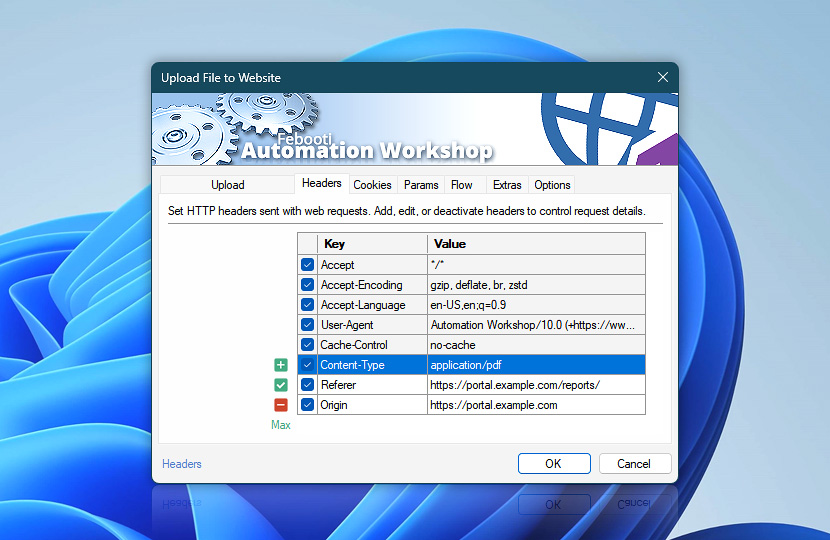
Configure additional HTTP request headers used by the Upload File to Website Action to fine-tune how servers handle file uploads. These custom headers complement the headers generated automatically by Automation Workshop.
| Headers | Details |
|---|---|
| List of headers | Define HTTP headers included with the request. Entries can come from this Upload File to Website Action or linked Web Profiles. Useful for controlling how files are accepted and processed by servers. Inherited profile headers are shown first and highlighted. Headers configured directly in this Action follow as regular entries. |
| Add / Edit / Remove | Add new headers, edit, or remove existing headers. |
| Min / Max | Resize the headers editing area. |
Notes
- You can disable either header source—this Upload File to Website Action (regular entries) or Internet & Web Profiles (highlighted entries). Disabled headers are not sent with the request.
- Common headers may be defined centrally in the Web Profile. Open Profile headers to manage shared request header values.
- Action-level headers support dynamic values using variables, and override or complement those defined in the Web Profile, allowing precise per-request control.
Have a question?
If you have any questions, please do not hesitate to contact our support team.