
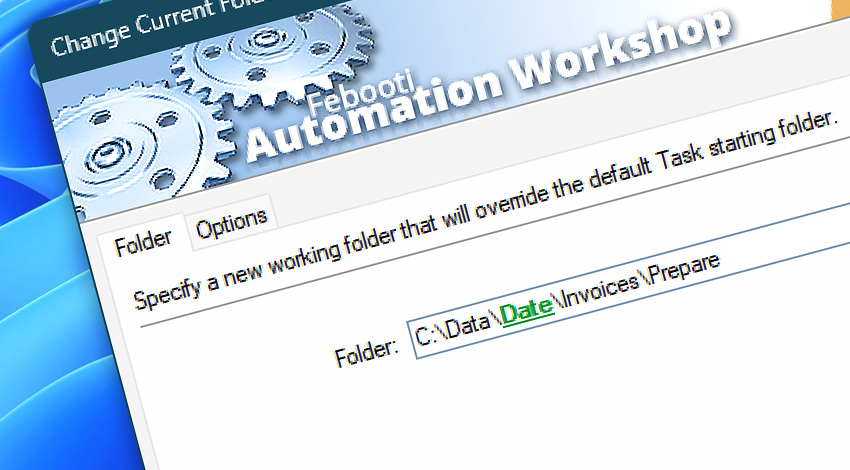
Automation Workshop includes the Change Current Folder Action that overrides the default working directory. All following Actions are executed in the new folder.
File and folder operations, Zip Files, as well as FTP & Cloud Actions with an omitted path are performed in the current folder. The Use File Content feature in the Variable Wizard also respects Task's working folder.
Documentation
- Folder · Set a new working folder.
- Options · Set the Action state and custom display name, define automated error workarounds, and enable an option to log only critical errors.
Interconnect
- Dynamic variables & Events of the Change Current Folder.
- Variable Wizard and dynamic values of all the File & Folder Actions for local and network drives, and remote FTP, SFTP, WebDAV, Amazon S3, Google Cloud Storage, and DigitalOcean Spaces servers.
- Streamline automation processes by connecting Triggers and Actions using Variable Wizard.
Discover
Automation Workshop includes many more awesome Triggers and numerous Actions to aid you to automate any repetitive computer or business task by providing state-of-the-art GUI tools.
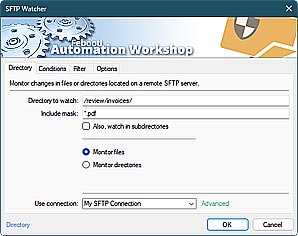
SFTP Watcher
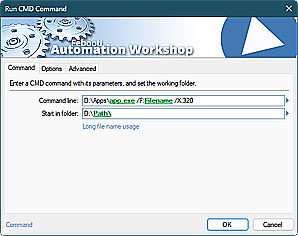
Run CMD command
Just ask…
If you have any questions, please do not hesitate to contact our support team.