
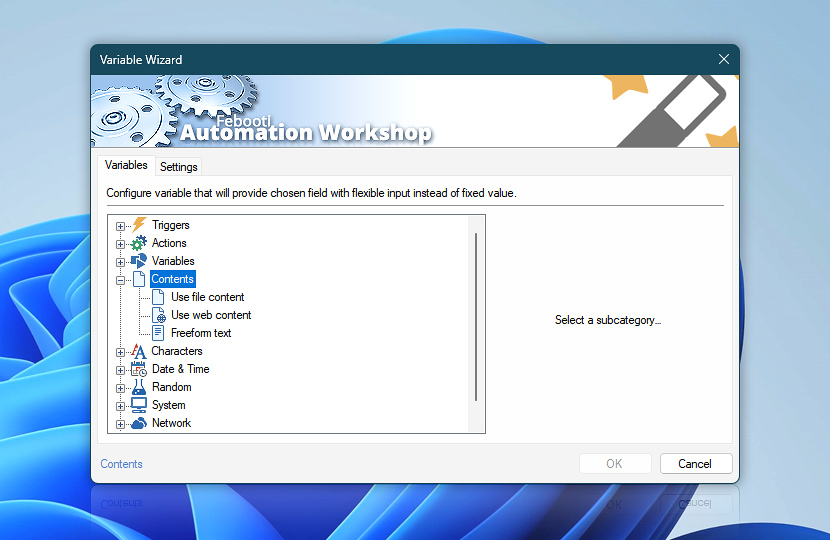
The Contents category in Variable Wizard provides options to retrieve Action input parameters from a local text file, shared text file on the local network, webpage, HTML or text file on the web, and more…
The input parameter values are dynamically filled for your no-code workflows at runtime—file is read, web content is downloaded, etc. The Freeform text allows you to use multiline text input into a single line input prompt.
Contents
- Use file content · allows you to use a file on the local drive or network share as input.
- Use web content · use a webpage or plain text version of a webpage as an input value.
- Freeform text · allows you to wrap a longer or multiline text into an easily maintainable single variable.
Need help?
If you have any questions, please do not hesitate to contact our support team.