
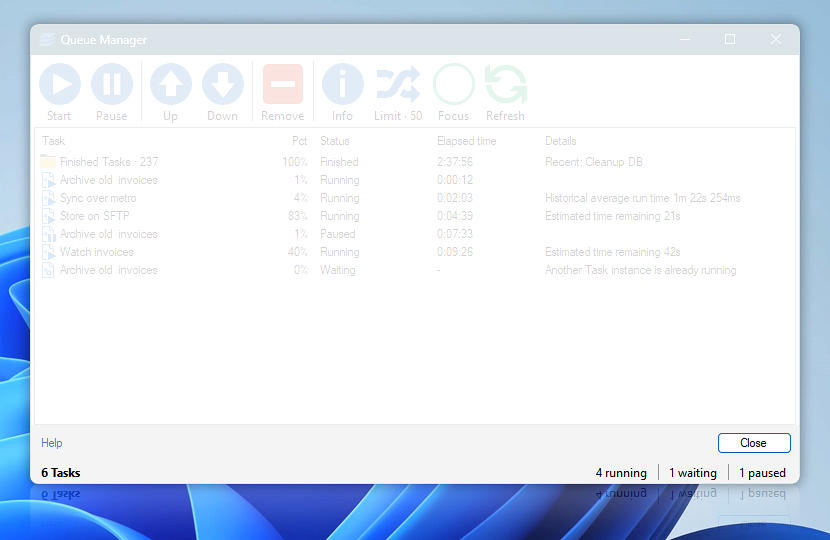
Queue Manager status bar is located at the bottom of Queue Manager window. It displays the total number of queued Tasks as well as number of Tasks for each category (i.e., running, waiting, paused). Queue Manager options can be accessed by clicking the simultaneous task limit button that is shown on the right side of status bar.
| Status bar | Details |
|---|---|
| Tasks | Shows the total number of unfinished Tasks in queue. |
| Running | Shows the number of currently running Tasks. |
| Waiting | Shows the number of Tasks waiting for execution. Usually a Task is waiting if its Trigger is configured to delay the execution, simultaneous task limit is reached or previous instance of the same Task is already running while only single instance is allowed for the given Task. |
| Paused | Shows the number of paused Tasks. |
| Finished | Shows the Tasks that have recently completed their execution. |
Need help?
If you have any questions, please do not hesitate to contact our support team.