
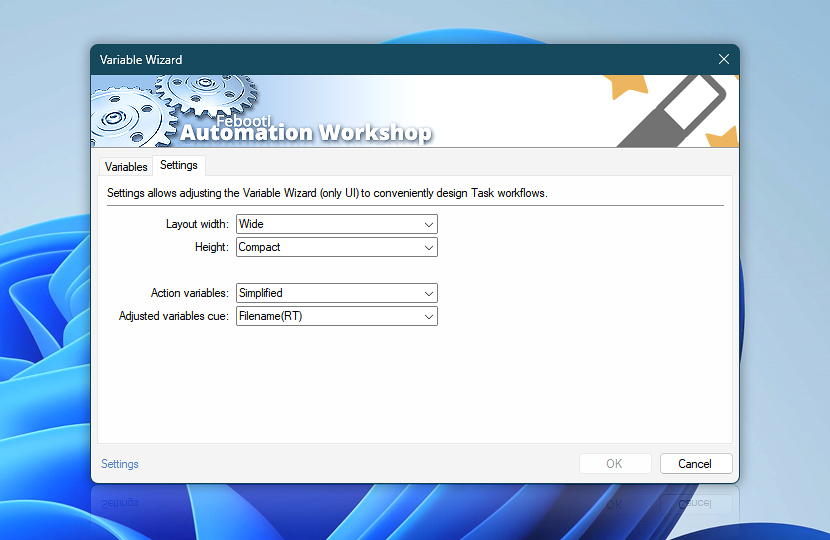
Variable Wizard is a powerful visual tool that provides options to specify advanced input when configuring Actions. Settings allows adjusting the Variable Wizard to conveniently design Task workflows.
| Settings | Details |
|---|---|
| Layout width | Set Variable Wizard window width size:
|
| Height | Set window height:
To open a slightly taller window (than the selected height preset), hold down CTRL+SHIFT keys while opening the Variable Wizard. |
| Action variables | Choose how Action variables are displayed:
|
| Adjusted variables cue | Choose a display style of the cue for variables that are modified using the quick in-place variable adjustments feature:
Once a variable is renamed (using the custom display name feature), the cue is not shown. If necessary, just add your own cue manually. |
Ask for more…
If you have any questions, please do not hesitate to contact our support team.