
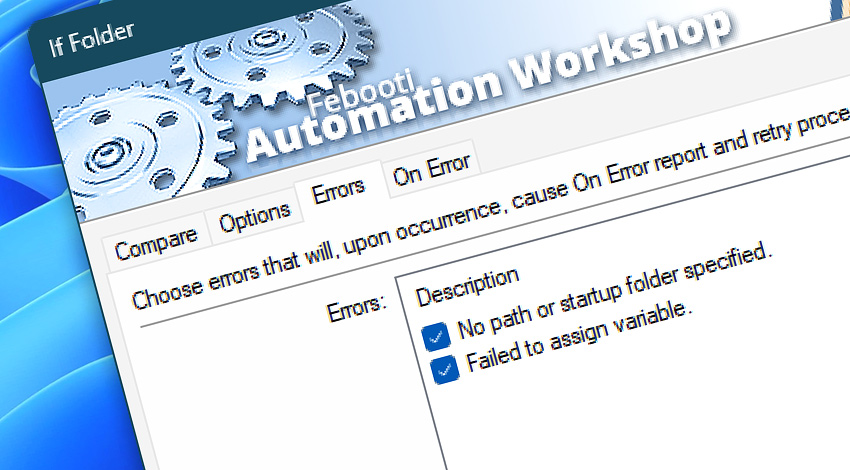
All Events · The If Folder Action generates Events to report on its activity—organized into informational, warning, and error categories. In real automation scenarios, each message provides additional context to help you identify issues and their causes, streamline troubleshooting, and confirm successful Action operations.
If Folder
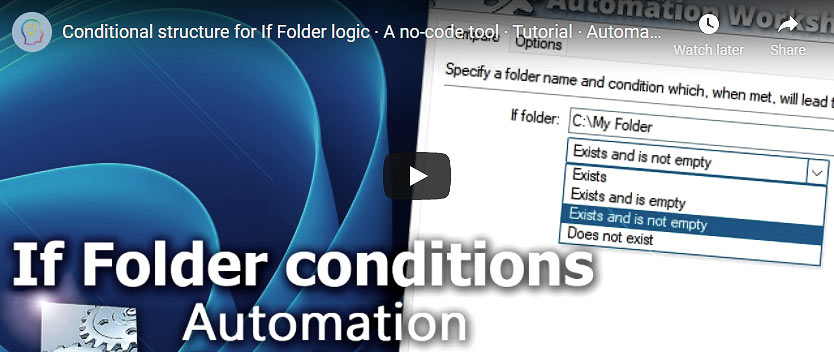
Automation Workshop includes the If Folder Action that verifies whether a folder exists or not, to decide which conditional branch of workflow to perform. Specify whether the condition is matched when the folder exists or when it does not.
Info
Discover
Automation Workshop includes many additional Triggers and numerous Actions to help automate repetitive computer or business tasks using state-of-the-art GUI tools.
Ask for more…
If you have any questions, please do not hesitate to contact our support team.