
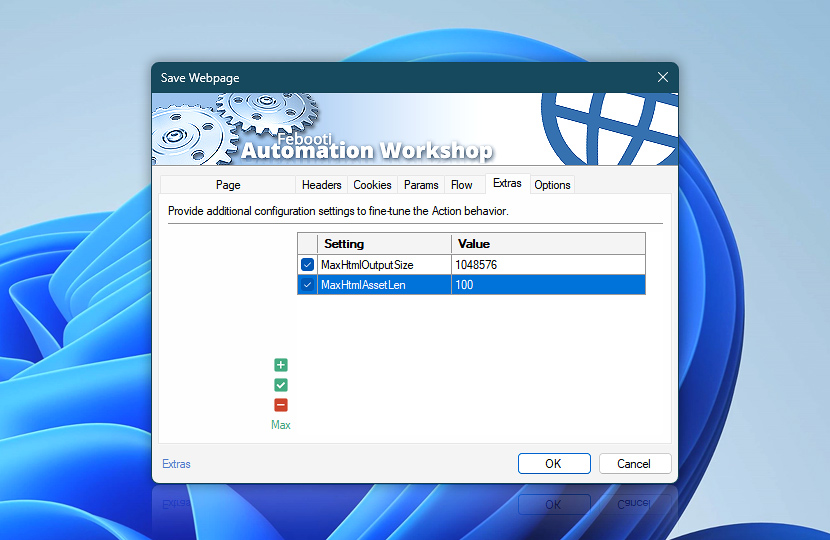
Configure extra settings for the Save Webpage Action. Use these options to fine-tune webpage saving behavior, response handling, local file output, and compatibility with specific websites or web servers.
Extra settings are optional and are typically used only when a website, server, proxy, filename handling, or workflow requires special handling beyond the standard Action configuration.
| Extras | Details |
|---|---|
| List of settings | Define extra settings applied when saving webpages to files, including webpage retrieval, response handling, file saving, filename handling, and other optional web communication details. For instance:
|
| Add / Edit / Remove | Add new settings, edit values, or remove unused settings. |
| Min / Max | Resize the settings editing area. |
Note
- Extra settings are configured separately for each Action. They affect only the selected webpage saving operation and do not change global Internet & Web settings or Web Profile configuration.
Just ask…
If you have any questions, please do not hesitate to contact our support team.