
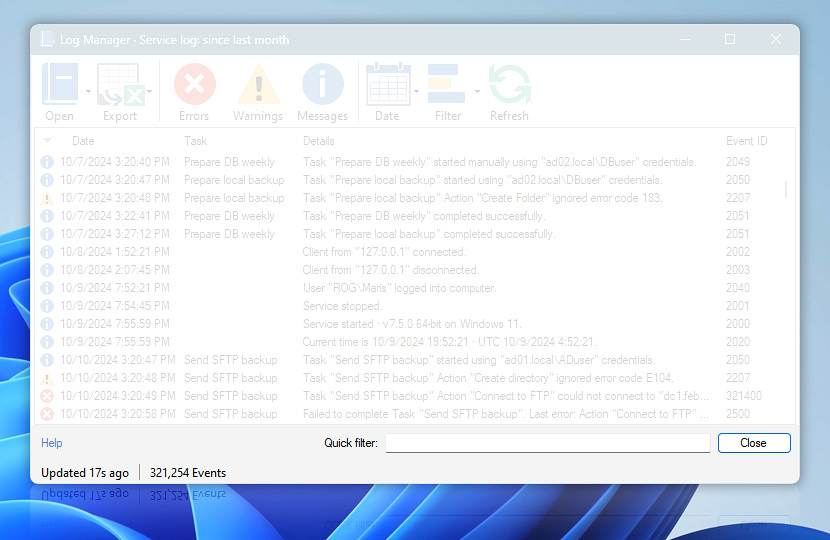
The Log Manager status bar is located at the bottom of the window. It shows the last update of the Log Manager window's contents and the total number of Events currently displayed.
| Status bar | Details |
|---|---|
| Start & end date | Allows for entering exact dates and times to view the log for a custom period of time. |
| Updated on | Shows the last update of the Log Manager window's contents. The Log Manager's contents can be updated either by closing and re-opening the Log Manager or by clicking the refresh button. |
| Events | Shows the total number of events currently displayed in the Log Manager window. Configure the Number of Events displayed in Log Manager setting in the Automation Workshop options. |
Have a question?
If you have any questions, please do not hesitate to contact our support team.