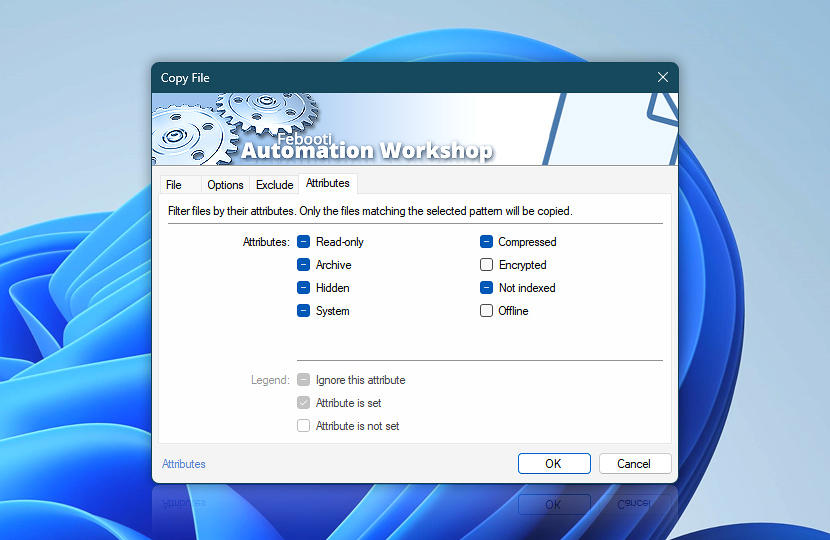
File attributes settings work as both positive and negative filtering. By default, file attributes are not taken into consideration when copying files. However, you can configure attributes to include only files that match the specified criteria, excluding all others.
Attributes
Details
Attributes
Only files matching the specified attribute pattern will be copied:
Shaded attribute matches any file regardless of its attribute.
A checked attribute matches files only if they have this attribute set.
Empty attribute checkbox matches files only if they do not have this attribute.