
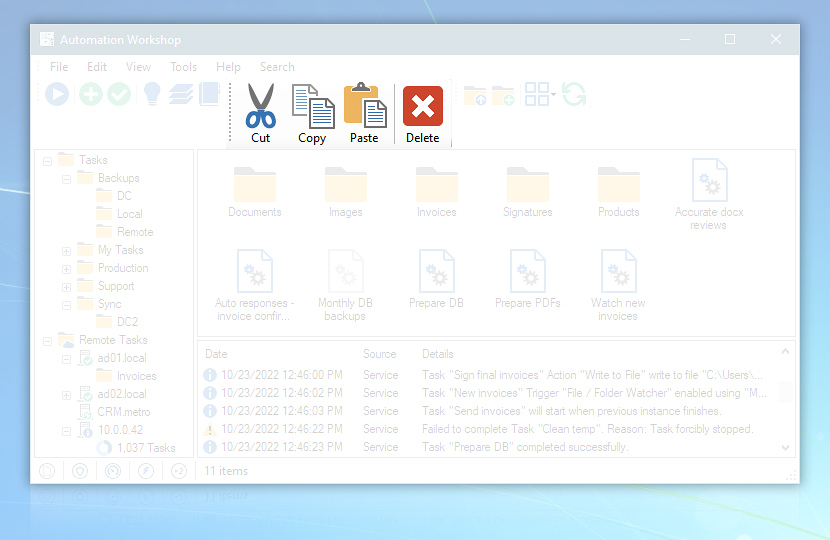
Edit toolbar contains buttons for performing some basic manipulations with Task file and Task folder icons such as Cut, Copy, Paste and Delete.
| Edit toolbar | Details |
|---|---|
| Cut | Virtually moves selected Task file into clipboard. When Task file is pasted in new location, the original is deleted. |
| Copy | Copies selected Task file into clipboard. |
| Paste | Retrieves Task file from clipboard. |
| Delete | Deletes Task file or folder · Delete API |
Customize
The Custom Layout option allows you to customize the look and feel of the menu and toolbars. To use the new theme that combines menu bar and toolbars, choose the Simple Layout option.
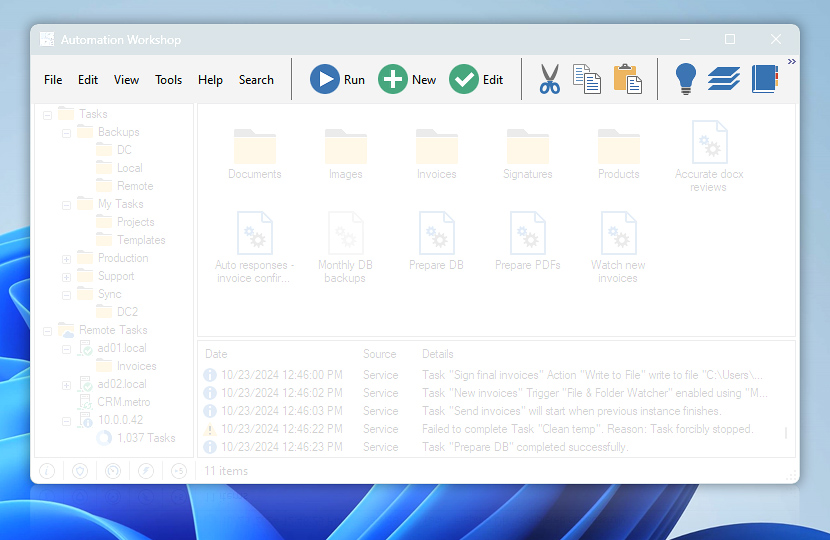
The unified menu and toolbar
Just ask…
If you have any questions, please do not hesitate to contact our support team.