
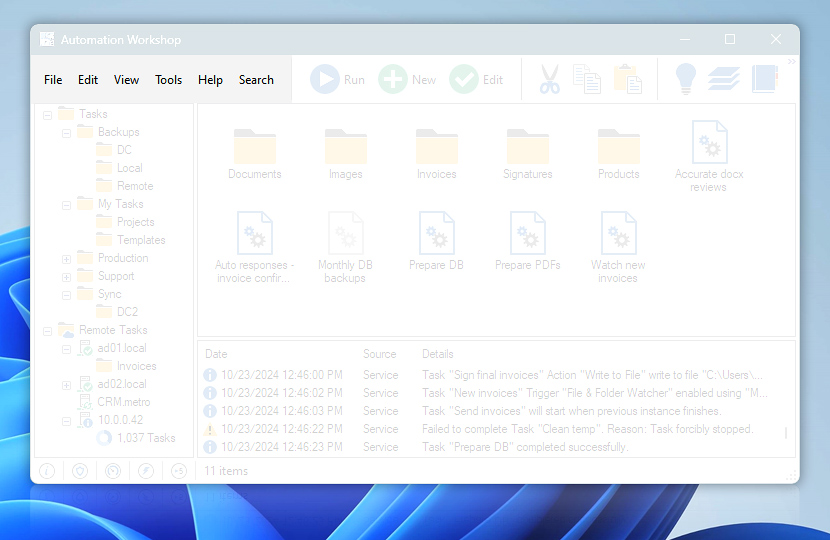
Menu contains shortcuts to most of essential Automation Workshop features, including operations with Tasks and Task files, interface settings, options, online help and video sections, as well as Operations Manager, Queue Manager, and Log Manager.
| Menu | Details |
|---|---|
| File | Provides options for creating new Tasks (Task Wizard) and task folders, running, and editing existing Tasks. Import and Export features provide options for an easy Task cloning, transfers and backup. |
| Edit | Contains commands that allow to cut, copy, paste Task files within task folder structure as well as delete or rename Task files. |
| View | Provides options for modifying appearance of toolbars and Task file icon sizes. Access Event details. |
| Tools | Allows enabling and disabling Automation Workshop Service, opening Queue and Log Managers, and program Options. The Backup and Restore options provides direct access to automated enterprise-class backup solution for software Tasks, settings and log files · IT process automation |
| Help | Provides shortcuts for online help, product purchasing and registration, check for updates, feature requests and feedback. |
| Search | Quickly navigate to menu commands, Tasks, or help articles by full-text search. |
Customize
The newest modern theme—Simple Layout—combines the menu bar with the unified toolbar. To customize the menu (and toolbar) even further choose the Custom Layout option.
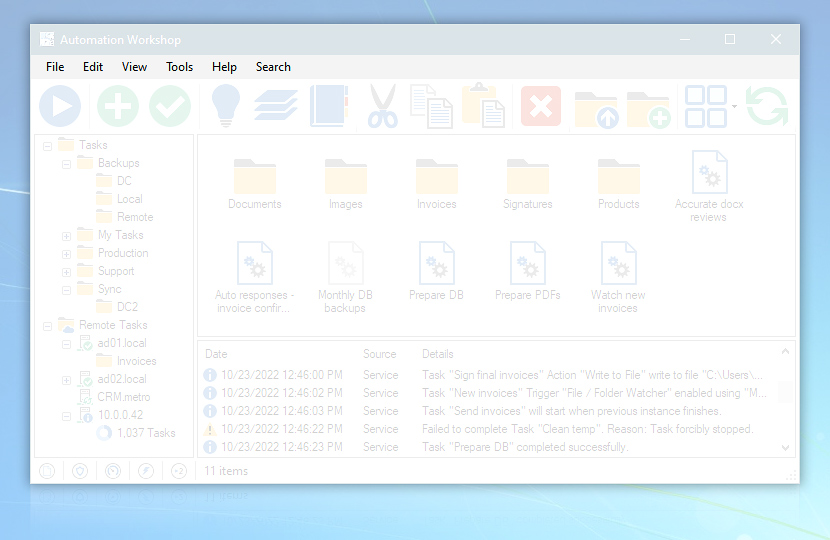
Custom menu
Ask for more…
If you have any questions, please do not hesitate to contact our support team.