
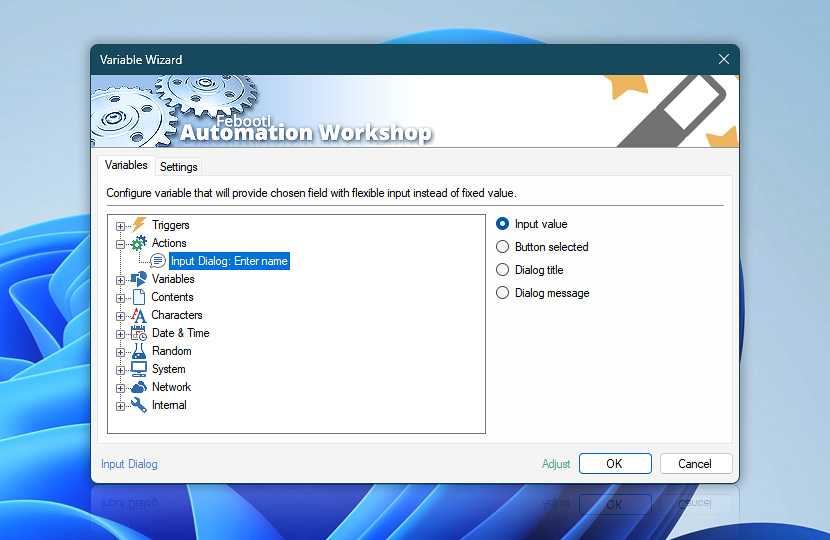
After Input Dialog Action is completed, other Actions can use some of its data as their own parameters. The only condition is that the parameter input has to support dynamic Variable Wizard values.
| Variable | Details |
|---|---|
| Input value | Returns the user input provided in input dialog window. The input value can contain default data of automatic input, if the Input Dialog Action is configured accordingly. |
| Button selected | Returns the name of the button which was pressed in Input Dialog window either automatically or by user.
Examples:
|
| Dialog title | Returns the input dialog window title. |
| Dialog message | Returns the input dialog window text message. |
| Completion status | Retrieve Action execution status with a possible value—Successful or Failed. Or Empty, if Action has not been executed yet. |
| Adjust | Streamline creation of Task workflows even further—instantly make quick variable adjustments such as in-place replacement (all, first, or last occurrence), trimming (whitespaces, quotes, etc.), or changing capitalization. Optionally, set a different display name. |
Just ask…
If you have any questions, please do not hesitate to contact our support team.