
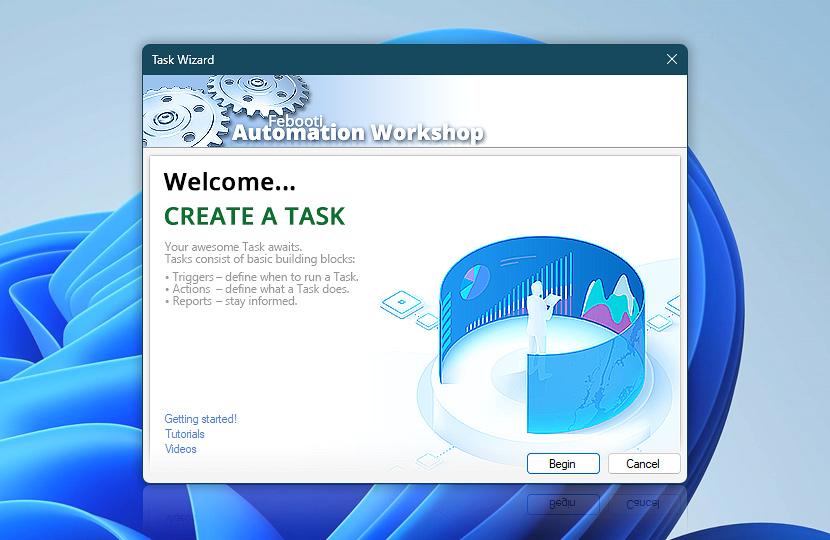
Welcome to the Task Wizard! It will lead you through the Task creation and configuration procedure in a few easy steps.
Every task consists of one or many of the following components:
- Triggers · a definition of conditions that, when met, causes an Action;
- Actions · a set of instructions that specify the exact operations to be performed;
- Reports · configure e-mail report sending upon successfully finishing or failing the task.
After configuring Triggers, Actions and reports you will be provided with detailed Task description and option to give task a specific name. The last Task Wizard tab provides an option to take a glimpse at Advanced Options or alternatively just finish the Task.
More
- Getting started · Automation Workshop basic concepts explained.
- Tutorials · simple and advanced automation examples.
- Videos · Windows automation video demos and tutorials.
- Automation Workshop Triggers and Actions.
Still have a question?
If you have any questions, please do not hesitate to contact our support team.