
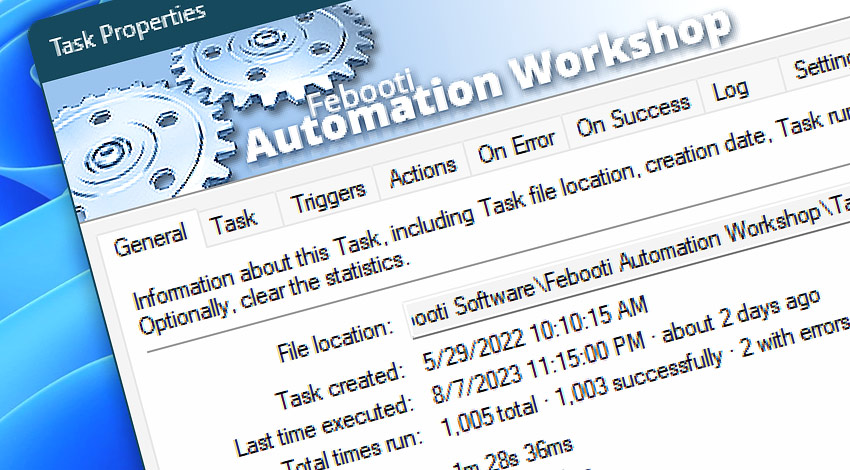
What are Tasks? Tasks (or jobs) are basic units that grant core functionality of Automation Workshop. Tasks generally include Triggers (activation conditions), Actions (performed operations) as well as monitoring, logging and reporting options.
Use Actions and Triggers to automate repetitive tasks in Windows. All automatic work is defined in the Tasks. View automation tutorials for inspiration!
Properties
- General · Displays Task file location, creation date and usage statistics.
- Task · Enable and disable the Task. View and edit Task description.
- Triggers · Add, remove or configure Task activation Triggers.
- Actions · Add, remove or configure Task Actions (operations to be performed).
- On Error · Configure further actions (such as email reporting, running another Task or disabling the Task) to be taken if Tasks fails to complete successfully.
- On Success · Configure actions like email reporting, running another Task, etc., that will be performed upon successful task completion.
- Log · Choose appropriate level of logging and, optionally, provide a separate log file.
- Settings · Multiple instance handling, default working folder and maximum execution time.
- Run As · Set user account whose access rights will be used upon executing the Task. Separate user accounts can be selected for cases when user is or is not logged into the system.
- Schedule · Choose a policy to allow or prevent this Task to be executed at specific times.
Remote…
Use the Remote Manager to connect to another Automation Workshop instance on your network or over the internet. Once the connection with a remote server is established, the Remote Task Properties can be opened for remote Tasks. This allows you to overview Task performance data for all your servers from one place.
Ask for more…
If you have any questions, please do not hesitate to contact our support team.