
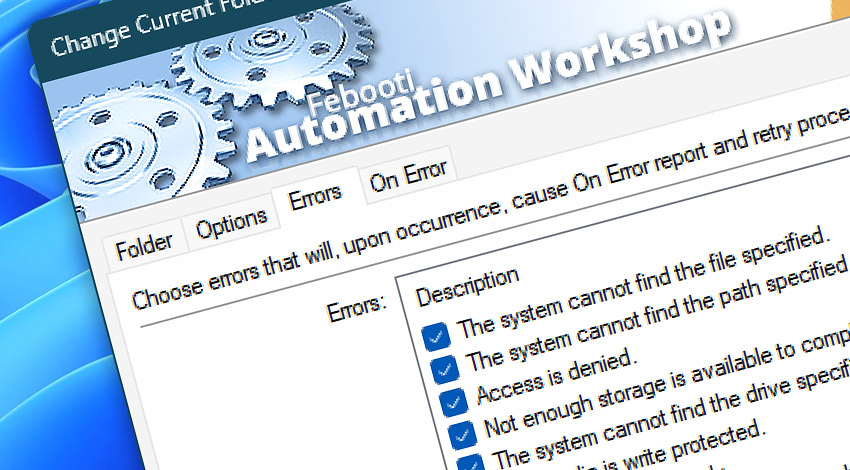
All Events of the Change Current Folder Action are sorted by their type—information, warning, and error messages. Reported Event messages in real automation scenarios usually are complemented by additional information on its cause.
Change Current Folder
Automation Workshop includes the Change Current Folder Action that overrides Task default working directory. All following Actions are executed in the folder specified. File and folder operations with omitted path are performed in current folder.
Info Events
55000· Change folder completed without errors.
Error Events
55400· Could not change folder.
Discover
Automation Workshop includes many more awesome Triggers and numerous Actions to aid you to automate any repetitive computer or business task by providing state-of-the-art GUI tools.
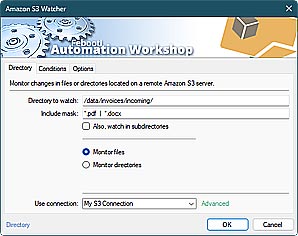
Amazon S3 Watcher
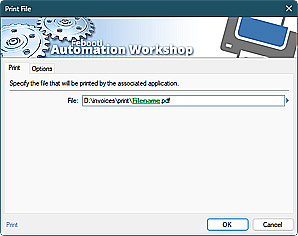
Print File
Have a question?
If you have any questions, please do not hesitate to contact our support team.