
Date & time filter allows excluding files from being processed by an Action if their creation, modification or last access date matches the specified exclusion range.
Overview
The filter is designed to exclude files both with fixed date and date relative to current, making advanced file management possible.
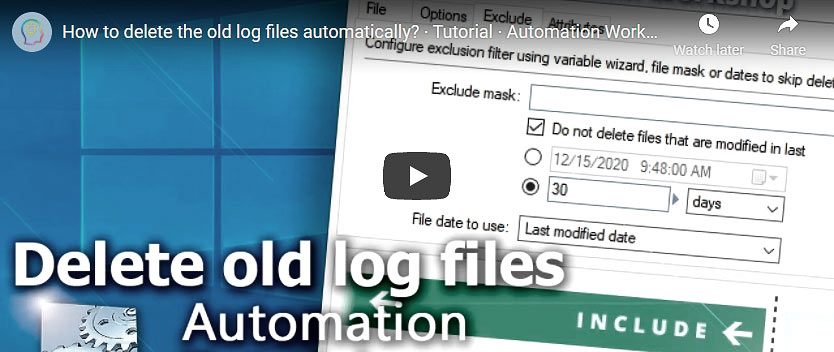
When using exclusion filter, user has to specify which kind of file date will be used for filtering. Available options are creation, modification and last access date. Thus, depending on user's actual needs, filter can be configured to prevent particular file action from processing files of different types: new or old, recently modified or long unchanged, recently used or long unused, etc.
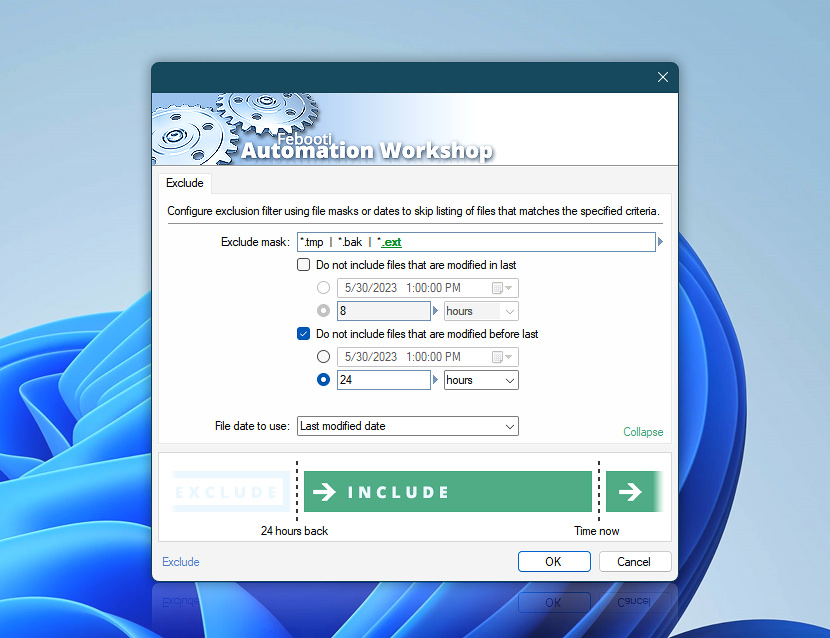
When choosing between particular dates and number of days, it is essential to keep in mind that latter is relative to current time while former specifies fixed date (e.g., while file creation date is always the same in terms of fixed date, the number of days since creation is relative to current date, thus in constant change).
File & exclude
- Copy File
- Move File
- Rename File
- Delete File
- Set File Attributes
- Set File Date & Time
- Zip Files
- List Files
- Synchronize Folders
Cloud & exclude
Supports FTP, SFTP, WebDAV, Amazon S3, Google Cloud Storage, and DigitalOcean Spaces servers.
Watchers & filter
Triggers support filtering based of file masks and attributes, or Owner, Group and Permissions.
Need assistance?
If you have any questions, please do not hesitate to contact our support team.