
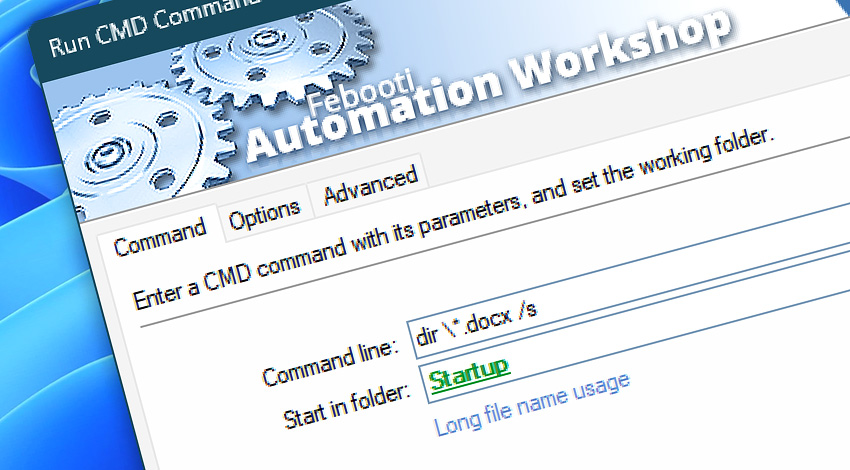
Automation Workshop includes the Run CMD Command Action that automatically executes specified commands in the Windows command prompt. This Action works the same way as if a user had opened the cmd.exe command line interpreter and typed in a Command, a batch file name, or a program name.
The Action supports various command starting and terminating options, as well as setting the Windows command prompt window position & size, and %errorlevel% thresholds.
Features & highlights
- Runs CMD commands as well as batch files and Windows executables, thus efficiently extending the built-in capacities of Automation Workshop.
- The command is executed with the user credentials and access rights provided in the Task Properties, thus granting access for the user to resources, such as network shares and Registry branches.
- Waits for the specified command to complete and streamlines its results into the automated data flow · Exit codes
- Fully supports multiple user Desktops for Microsoft Remote Desktop Services (formerly Terminal Services) in multi-user environments.
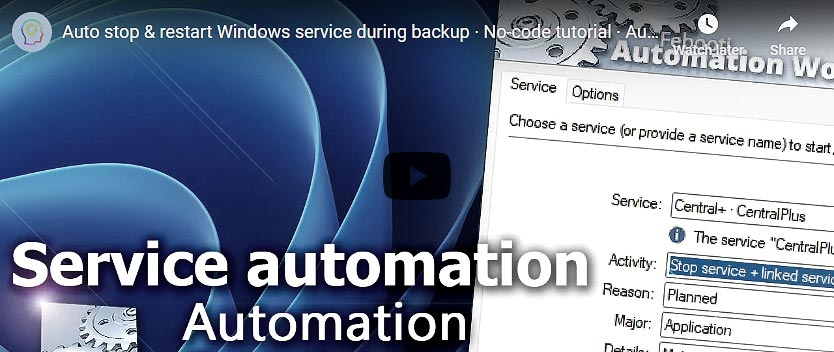
Usage examples
- Launch CMD commands using the built-in advanced Task Scheduler or trigger the Task on multiple events using a built-in set of Triggers.
- Automation Workshop not only serves as a command line script replacement, but can also integrate these scripts into its own operations whenever necessary.
- Connect existing batch scripts with a wider automation context. Custom scripts perform operations not provided by the Automation Workshop set of tools.
- Schedule periodic executions of a Windows prompt command and automatically respond to their outcomes.
Documentation
- Command · Enter any CMD command, Windows executable, or batch file and the folder from which it is to be executed.
- Options · Set execution and termination conditions.
- Advanced · Define errorlevel thresholds, and set window size and position.
Interconnect
- Run CMD Command integration—Variables (manipulate data dynamically within a workflow) and Events (recorded entries that detail the activity within the system).
- Effortlessly streamline your automation processes by visually connecting your workflow using Variable Wizard—a powerful tool to access all 1,000+ variables—system, network, Triggers, Actions, globals, web, and much more…
Quick access
To streamline your workflow creation, you can locate the Run CMD Command Action throughout the entire Automation suite's search tools—including the knowledge base, menu, and Add Action feature—using quick shortcuts like «RC» or «RCC».
More ways to Run…
- Action · Start App
- Action · Remote FTP Command
- Action · Remote SSH Command
- Action · Execute Script · PowerShell · JScript · VBScript · Batch files
- Action · Open Document
- Action · Start Task
- API · Run Task using API
- Remote Manager · Remote Operations · Remote deployment · Run Remote Tasks
- Interactive · Desktop Shortcut · Tray Icon · Command line
- UI · File menu · Tools menu
- Advanced fallback · On Task Error · On Action Error
- Post-execution events
Discover
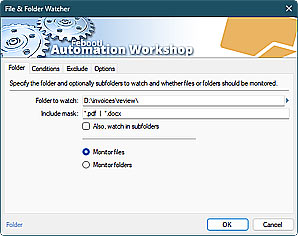
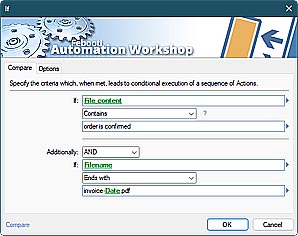
Automation Workshop includes many more awesome Triggers and numerous Actions to aid you to automate any repetitive computer or business task by providing state-of-the-art GUI tools.
Assistance is here…
If you have any questions, please do not hesitate to contact our support team.