
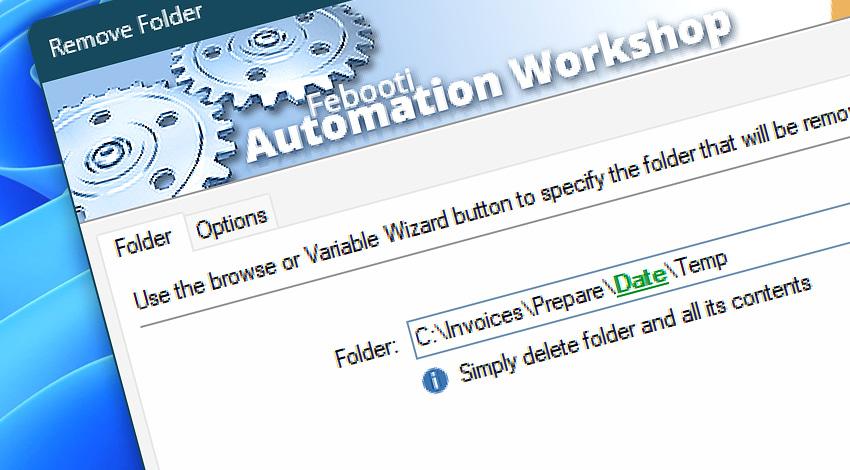
Automation Workshop includes the Remove Folder Action that performs automatic deletion of folders based on a folder name or variable provided by a Trigger or other Action.
Features & highlights
- Schedule folder deletion to recover disk space regularly.
- Remove local folders with their content after successful file uploading or synchronizing.
- Optionally ensure that you are performing removal operations on empty folders only.
- Optionally delete unnecessary empty subfolders from the whole directory tree.
- Intelligently process each of the folders and act only if none of the folders have any files.
Smart remove? Easy!
The Ensure Folder Action streamlines the classical approach to automation. Instead of using the "if a folder exists, remove it" method, this smart Action ensures that a folder is in a specified state—exists, does not exist, or is empty.
Documentation
- Folder · Set a folder to be removed.
- Options · Choose whether to skip deleting a folder if it's not empty.
Interconnect
- Dynamic variables & Events of the Remove Folder.
- Variable Wizard and dynamic values of all the File & Folder Actions for local and network drives, and remote FTP, SFTP, WebDAV, Amazon S3, Google Cloud Storage, and DigitalOcean Spaces servers.
- Directories can be deleted directly from the remote servers by using the Remove Remote Directory Action.
- Streamline automation processes by connecting Triggers and Actions using Variable Wizard.
Discover
Automation Workshop includes many more awesome Triggers and numerous Actions to aid you to automate any repetitive computer or business task by providing state-of-the-art GUI tools.
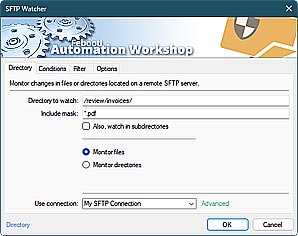
SFTP Watcher
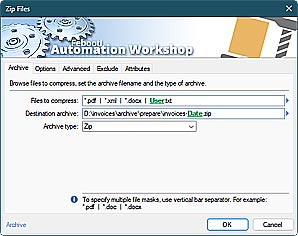
Zip Files
Need help?
If you have any questions, please do not hesitate to contact our support team.