
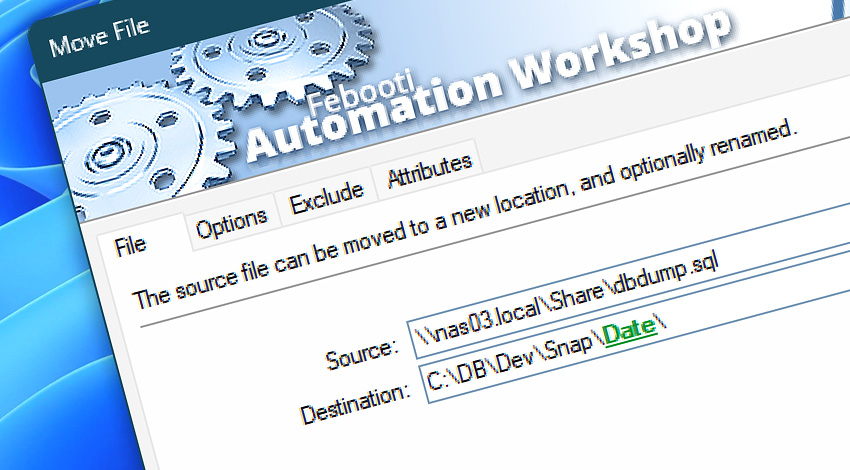
Automation Workshop includes the Move File Action that performs automatic moving of files from source folder to specified destination folder. It keeps the folder structure, handles problem situations, and works in a fully unattended mode.
Specify files to be moved by providing file wildcards, timestamps, and other attributes. File naming can be static or dynamic where names are provided by Triggers or Actions. No coding required to create fully automated workflows.
Features & highlights
- Move files as soon as they appear in a folder using the File & Folder Watcher Trigger.
- Automatically move files from one folder to another without using scripts.
- Options to automatically overwrite destination files.
- Move files only when their name, type, attributes, or date matches the specification.
Usage examples
- Automatically move files to another folder when they reach a certain age.
- Replicates a source subfolder structure in a target folder, every day, hour, or minute.
- Move file from the "incoming files" folder to the "processed files" folder after another automated workflow finished its job.
- Automatically move files to another location after they have been emailed, printed, downloaded, etc.
Documentation
- File · Choose files or file patterns.
- Options · Include subfolders when moving files and configure file overwrite options.
- Exclude · Use file name, mask, or timestamps to specify files excludable from moving.
- Attributes · Define file system attributes for advanced exclude filtering.
Interconnect
- Dynamic variables & Events of the Move File.
- Variable Wizard and dynamic values of all the File & Folder Actions for local and network drives, and remote FTP, SFTP, WebDAV, Amazon S3, Google Cloud Storage, and DigitalOcean Spaces servers.
- To perform file move operation on the remote servers, use the Move Remote File Action.
- Streamline automation processes by connecting Triggers and Actions using Variable Wizard.
Tutorial
Discover
Automation Workshop includes many more awesome Triggers and numerous Actions to aid you to automate any repetitive computer or business task by providing state-of-the-art GUI tools.
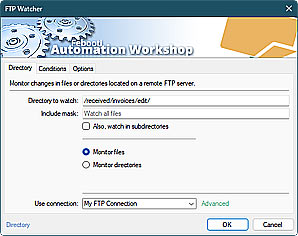
FTP Watcher
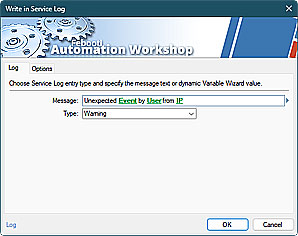
Write in Service Log
Need a helping hand?
If you have any questions, please do not hesitate to contact our support team.