
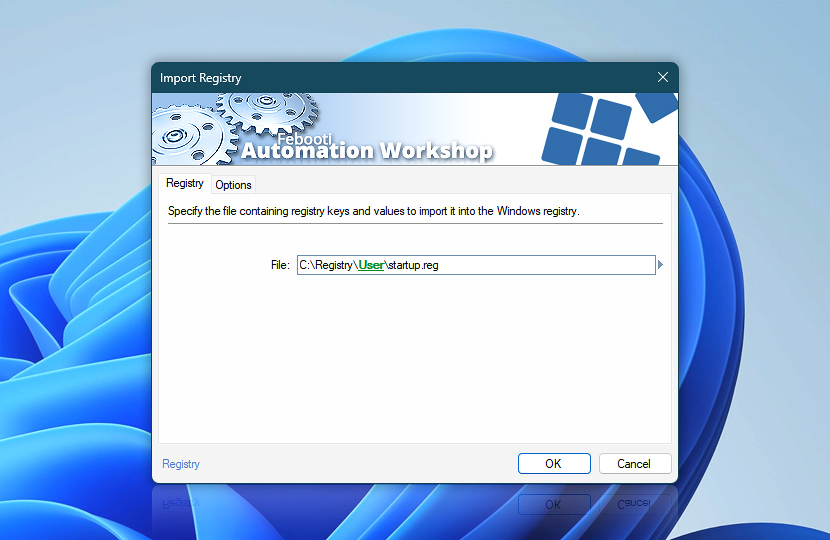
Specify a file containing Registry keys, values and data to be imported into the Registry.
| Registry | Details |
|---|---|
| File | Specify a file containing Registry entries to be imported into the Registry. |
| Browse |  Use Browse to select a particular file or folder on local disk, network share on LAN (local area network), etc. Use Browse to select a particular file or folder on local disk, network share on LAN (local area network), etc. |
| Variable Wizard |  Use dynamic data input—substitute a parameter from a file, web, connected Trigger, other Actions, date and time presets, etc. Use dynamic data input—substitute a parameter from a file, web, connected Trigger, other Actions, date and time presets, etc. |
Interconnect
- Dynamic variables & Events of the Import Registry. Access the filename of the Windows Registry import file. Additionally, events showing the success or failure of the import are logged.
Have a question?
If you have any questions, please do not hesitate to contact our support team.