
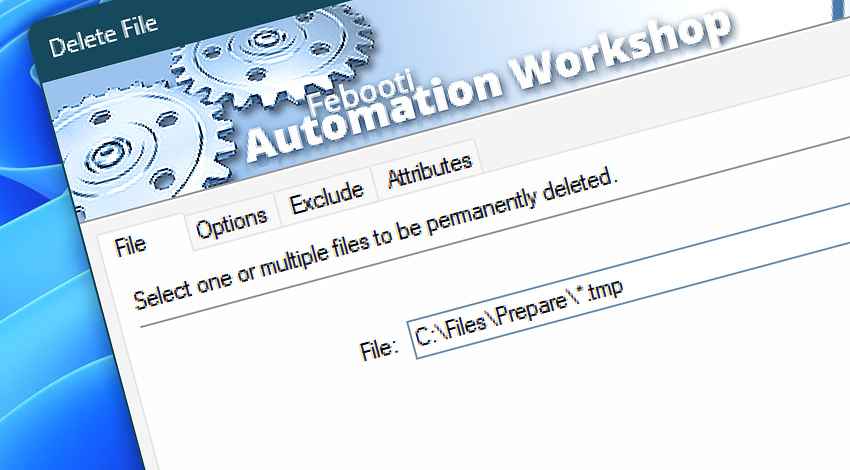
Automation Workshop includes the Delete File Action that performs deletion of files on a local drive or network share. Files can be removed based on file masks, file dates, times, and attributes, as well as variables provided by a Trigger or other Action.
Features & highlights
- Automatically delete unnecessary files from local and write-accessible network drives.
- Delete files matching a specified wildcard and filtering criteria from multiple folders and subfolders. Precise and easy file deletion workflow—no programming required.
- Powerful error handling settings of the file deleting process allows an easy automatic resolution of problem situations by retrying deletion, launching another Task or, alternatively, sending the detailed report via email.
- Supports all modern and legacy file systems, the Unicode in file names, and very long paths (up to 32,000 characters).
Usage examples
- Automate deleting of left-over files as soon as they are no more needed using the File & Folder Watcher Trigger.
- Automatically delete content of temp folders to free disk space on a daily basis or any other schedule (either regularly, at specified intervals, or on less linear complex schedule).
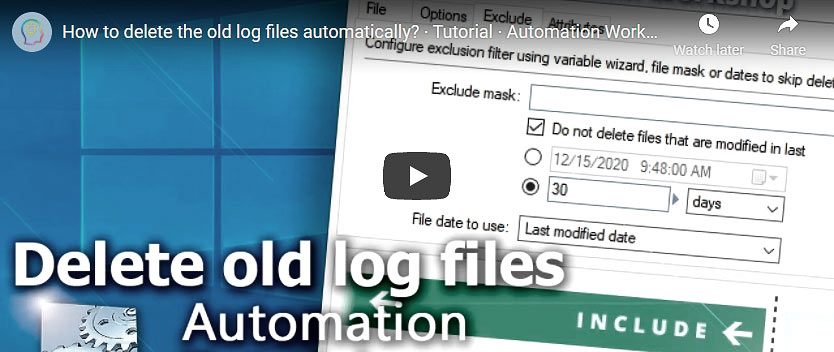
- Delete backup archives based on their age (e.g., by including files that are 90+ days old).
- Recursively delete all files of specified type from all subfolders on local or network drives on selected schedule.
- Automatically remove files after zipping them into an archive.
- Create an automatic workflow to delete local files as soon as they are uploaded to FTP or Cloud servers.
Documentation
- File · Use file name or mask to specify file deletion criteria.
- Options · Select whether deletion should be performed in a current folder or subfolders.
- Exclude · Use a file name, wildcard, or timestamp to exclude files from deletion.
- Attributes · Define the filesystem attribute pattern to include or exclude files with matching metadata.
Interconnect
- Dynamic variables & Events of the Delete File.
- Variable Wizard and dynamic values of all the File & Folder Actions for local and network drives, and remote FTP, SFTP, WebDAV, Amazon S3, Google Cloud Storage, and DigitalOcean Spaces servers.
- To delete files on the remote servers use the Delete Remote File Action.
- Streamline automation processes by connecting Triggers and Actions using Variable Wizard.
Tutorials
Discover
Automation Workshop includes many more awesome Triggers and numerous Actions to aid you to automate any repetitive computer or business task by providing state-of-the-art GUI tools.
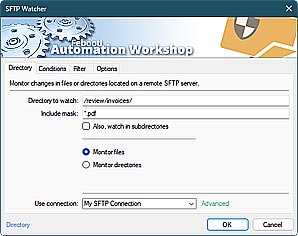
SFTP Watcher
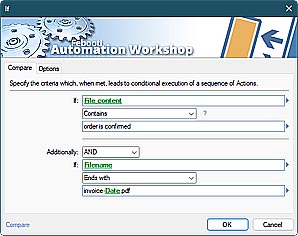
Compare
Need assistance?
If you have any questions, please do not hesitate to contact our support team.