
Automation Workshop comes with the integrated Update Service. It periodically checks Febooti Update Servers for the newest version and notifies users if an update is available.
If there is a new update available, the Event 1390 is shown in the Log Pane, and also the event is logged in the Automation Workshop Service log.
Privacy
NO PERSONAL INFORMATION IS SENT TO THE UPGRADE SERVER DURING THIS PROCESS. Automation Workshop checks for updates periodically when used. During this process the Febooti website is connected only to verify the availability of newer software versions.
Automatic updates
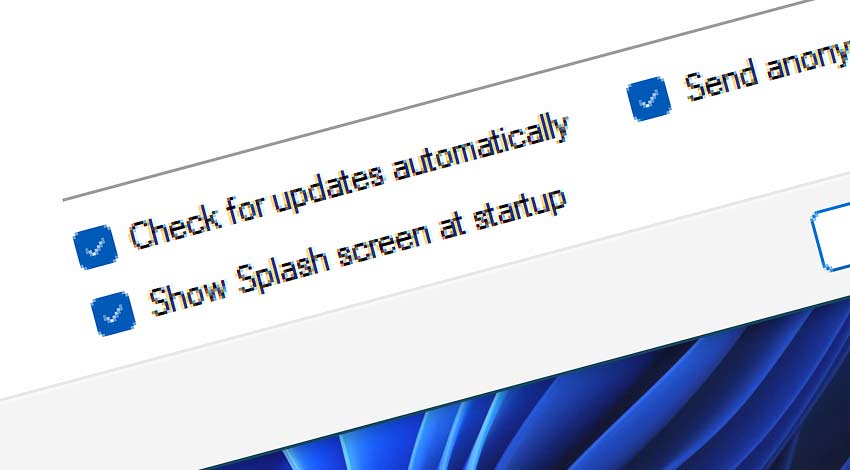
If the Check for updates automatically option is enabled in the Workshop tab, the check for updates is performed with frequency once a day.
Manual updates
To manually check for the new updates availability, use the Check for Updates option from the Help menu.
Download updates
To download Automation Workshop updated version, visit download section to download it.